
Secure File Sharing for Manufacturing Across Plants and Engineering Teams
MyWorkDrive gives engineers and plant staff browser, mapped-drive, and mobile access to your existing CAD, PLM, and file-server storage over HTTPS. Files stay on your servers, identity stays in your directory, and there is no VPN to maintain and no migration to run.
No VPN
Files opened remotely over HTTPS
Days
To deploy across existing plant infrastructure
Zero
Files migrated and zero designs in a vendor cloud
Quick answer
Manufacturers can give engineers and plant staff secure access to CAD, PLM, and file-server data over standard HTTPS on port 443, with no VPN tunnel and no move to a third-party cloud. MyWorkDrive installs on a Windows Server you already run, authenticates against your existing Active Directory or Entra ID, and serves your file shares through a browser, a mapped drive, or mobile apps. Files stay on your storage, NTFS permissions stay in your directory, and every access is logged for CMMC, ITAR, and GDPR audits.
A secure access layer for your CAD, PLM, and file-server storage
MyWorkDrive is a gateway that connects your identity provider to the storage your engineering and operations teams already use, including SMB file servers, NAS, Azure Files, S3, SharePoint, and OneDrive. It sits between your directory and your storage and delivers browser, mapped-drive, and mobile access over encrypted HTTPS.
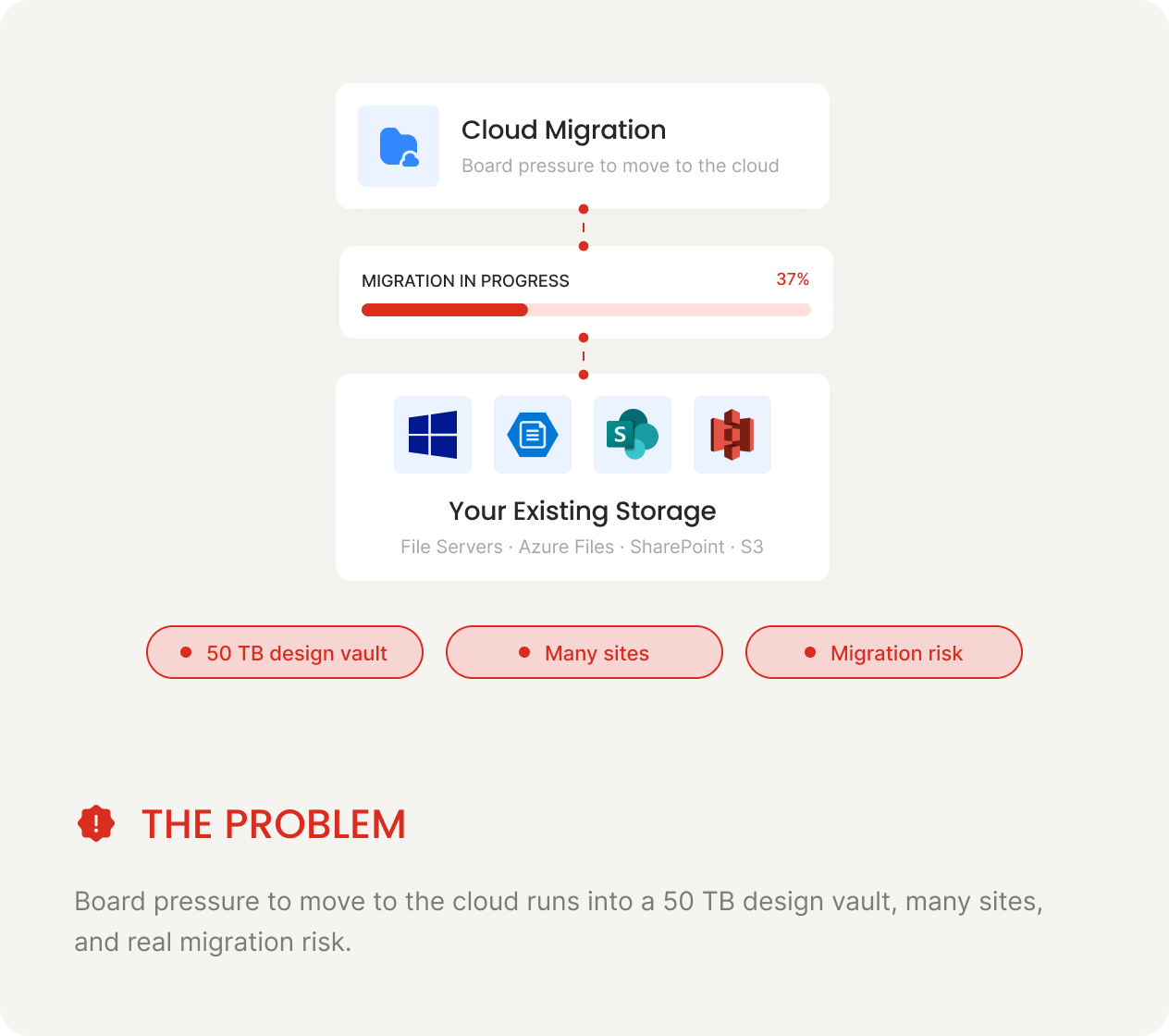
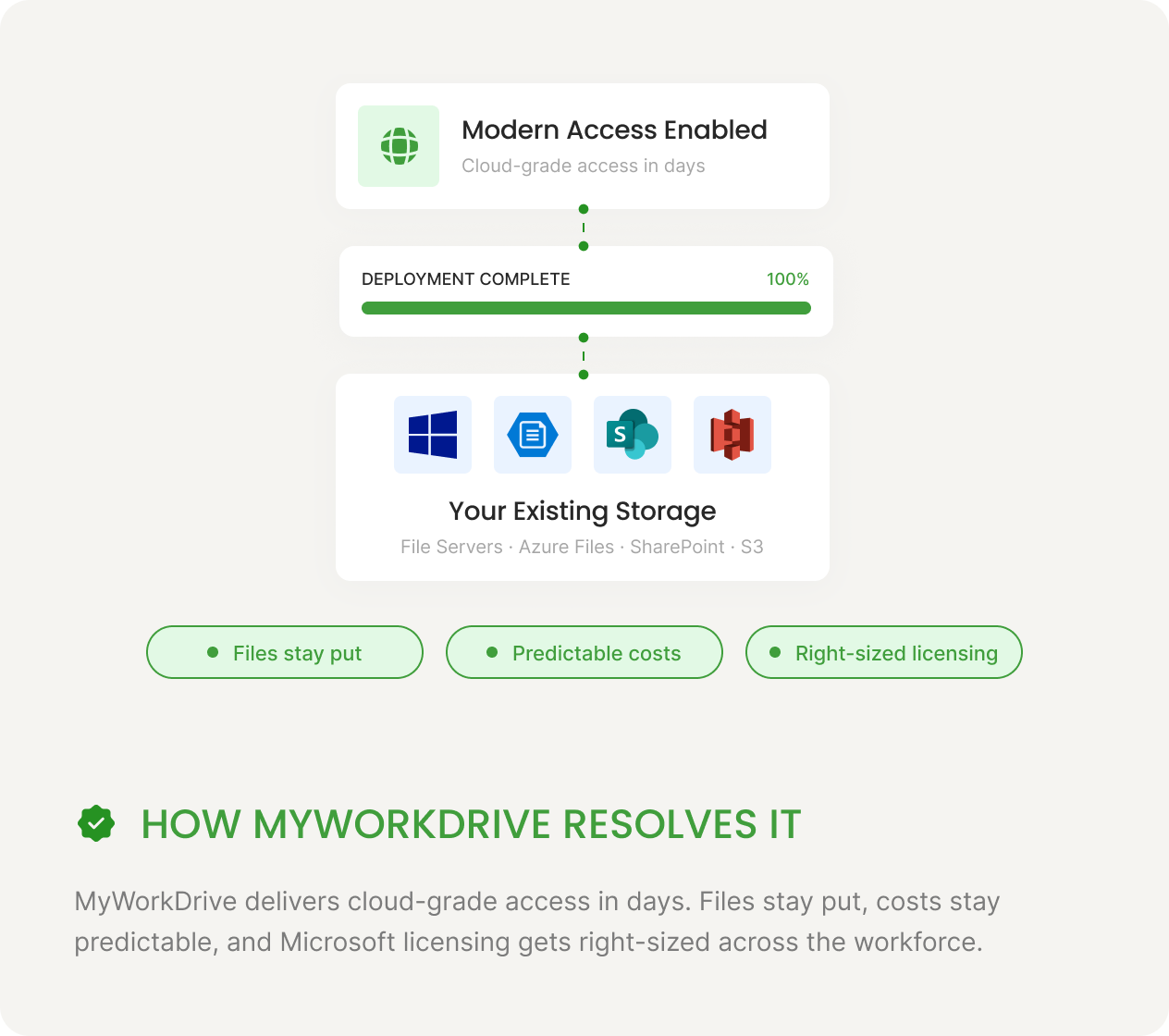
It runs on the Windows Server your team already manages, so there is no Linux to learn and no rip-and-replace. Files stay where they are and NTFS permissions stay in your directory. You get cloud-grade access, including HTTPS, MFA, web Office editing, and unified audit, without a multi-year, terabyte-scale migration of your design vault.
This is a Zero Trust model. There is no network tunnel, nothing inside your network is exposed, and every request is authenticated and authorized at the gateway before it reaches a file. Gartner's 2025 Market Guide for Hybrid Cloud Storage reports that among hybrid cloud storage services, demand is strongest for hybrid cloud file services from organizations modernizing their unstructured data platforms, which is the access-without-migration model manufacturers need for large design data.
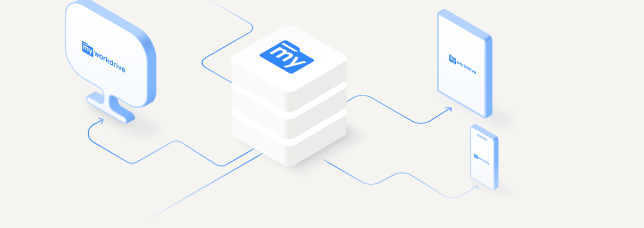
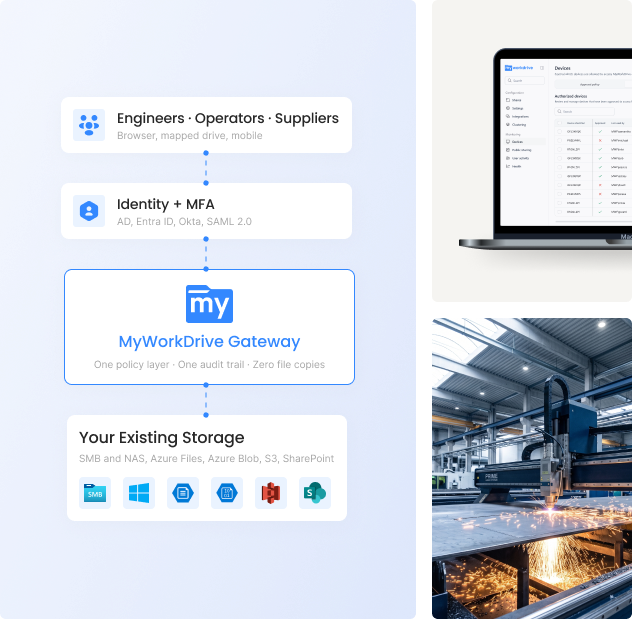
Engineers · Operators · Suppliers
Browser, mapped drive, mobile
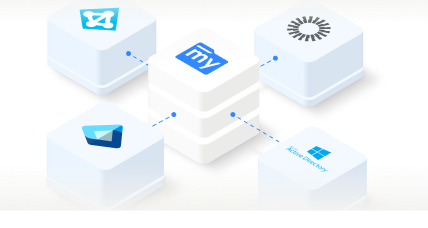
Identity + MFA
AD, Entra ID, Okta, SAML 2.0
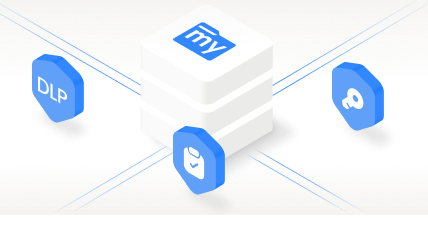
MyWorkDrive Gateway
HTTPS, DLP, audit, file locking
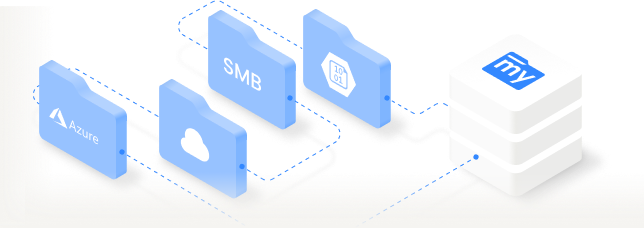
Your existing storage
SMB/NAS, Azure Files, S3, SharePoint
How VPN-free file access works for a manufacturer, step by step
Four layers move a request from a device on the shop floor to a file on your own server, with identity and policy enforced in between.
Users connect from any device
Engineers, operators, and remote staff use a browser, the desktop app, or a mobile device, on the shop floor, at a desk, or in the field.
Your identity provider verifies them
Active Directory, Entra ID, Okta, Duo, or any SAML 2.0 provider authenticates the user with MFA. No new credentials to manage.
The gateway applies access and audit
The MyWorkDrive gateway on Windows Server handles access control, DLP, file locking, and logging in one place.
Files are served from your storage
Requests resolve to your existing SMB and NAS shares, Azure Files, Azure Blob, S3, or SharePoint, including PLM vault shares.
How MyWorkDrive solves file access for manufacturing CIOs, IT, and compliance teams
The same platform answers a different question for each leader who has to sign off on it.
Modernize file access without a multi-year cloud migration
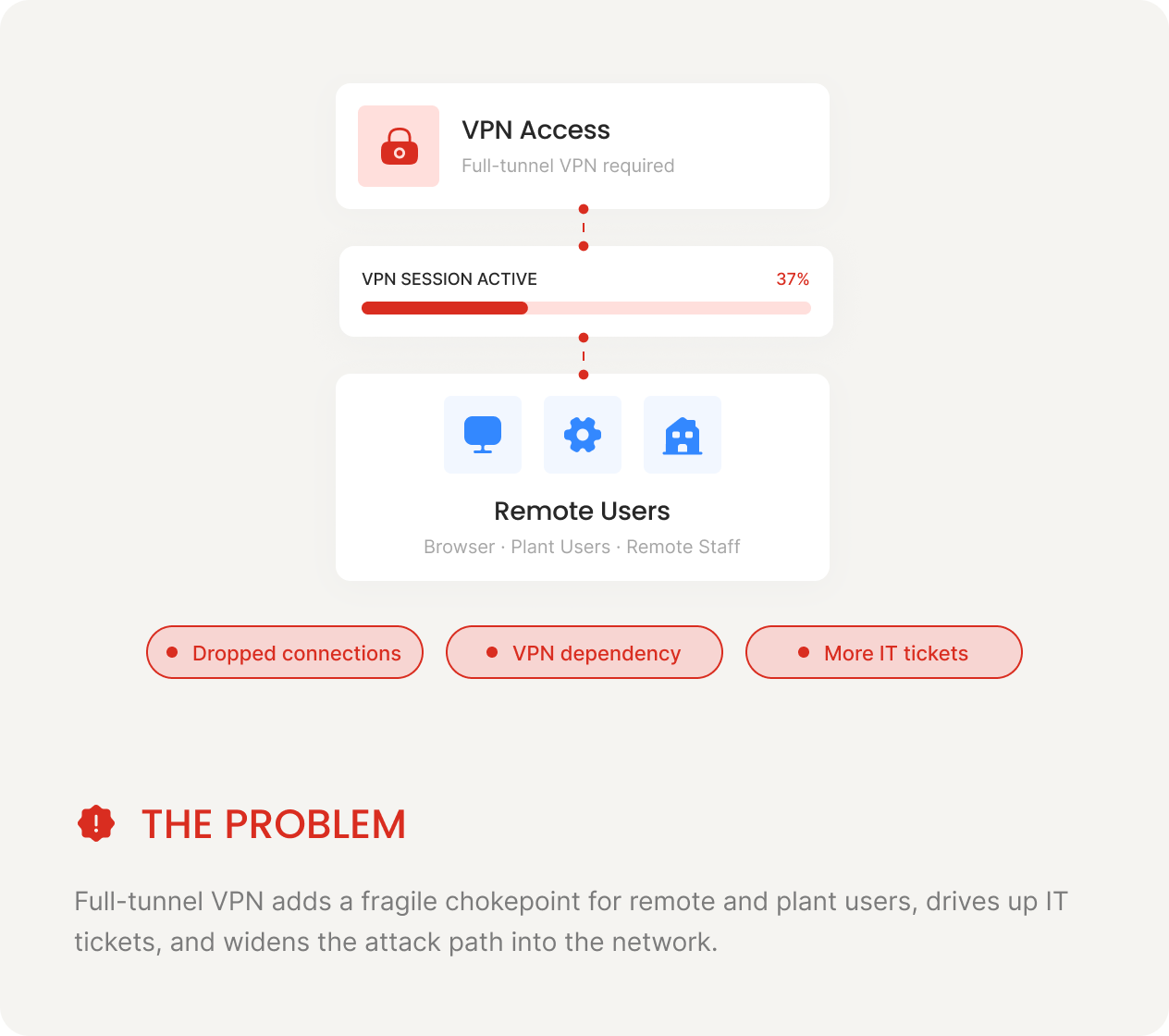
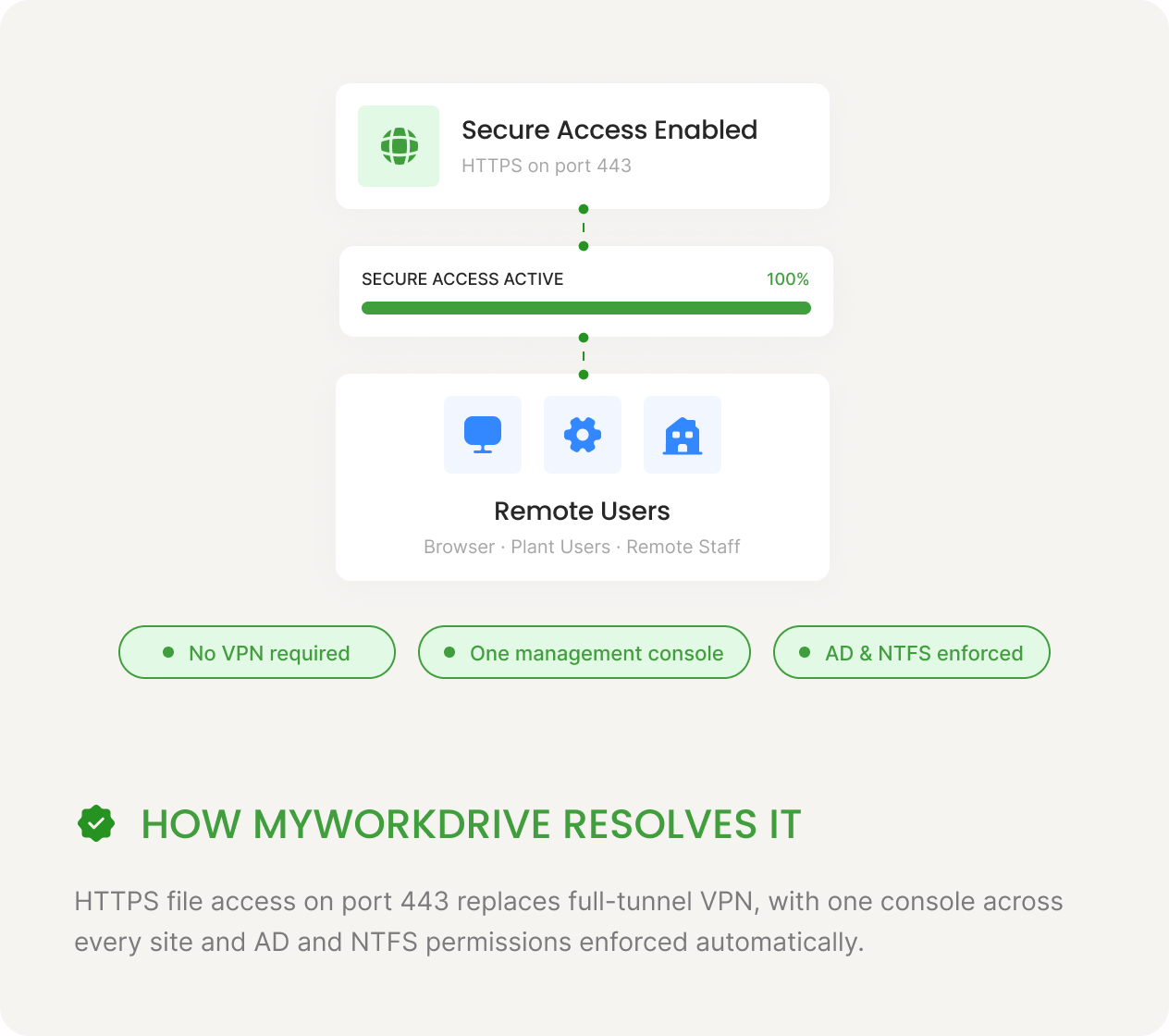
Retire VPNs and cut the file-accessticket queue
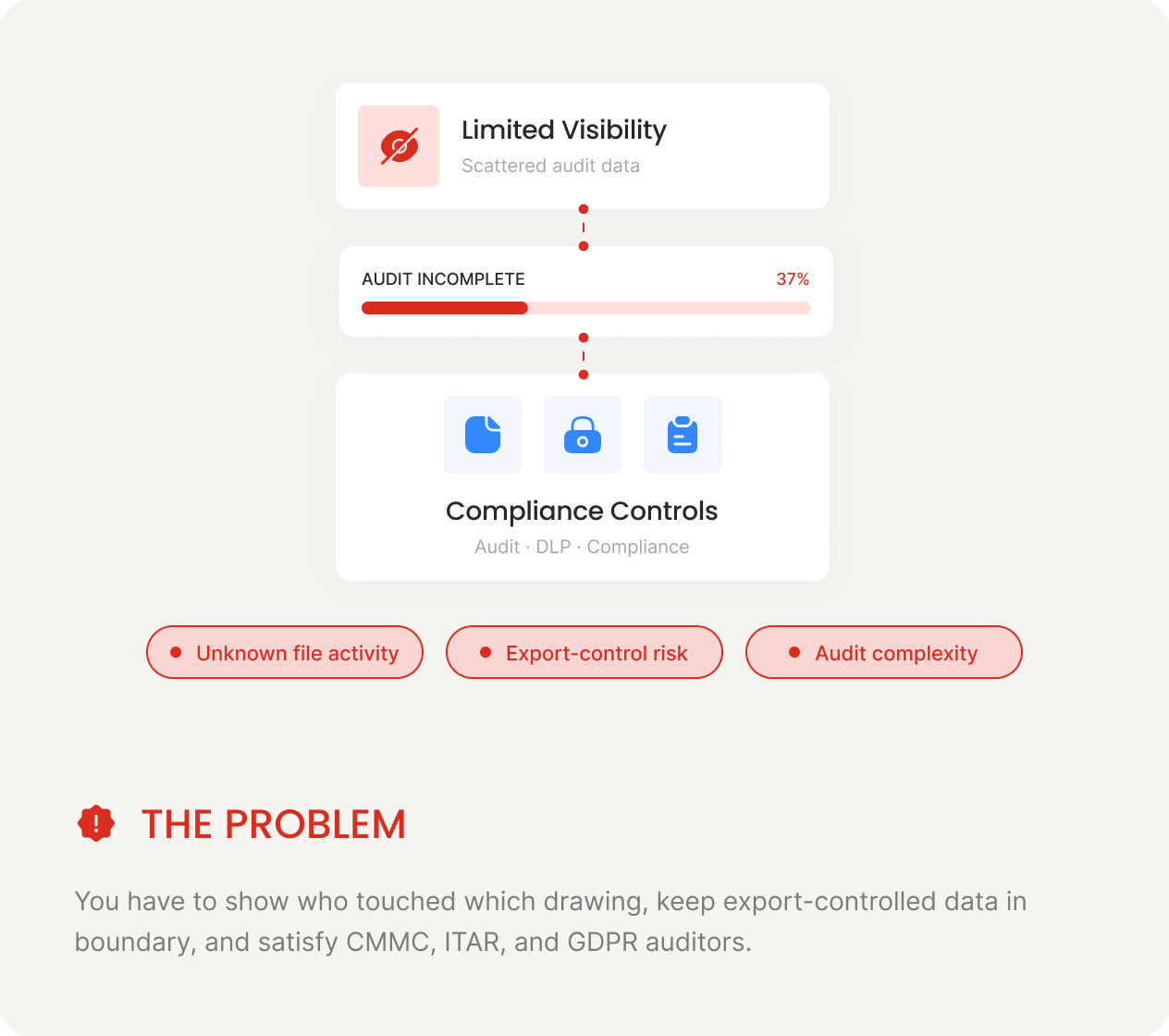
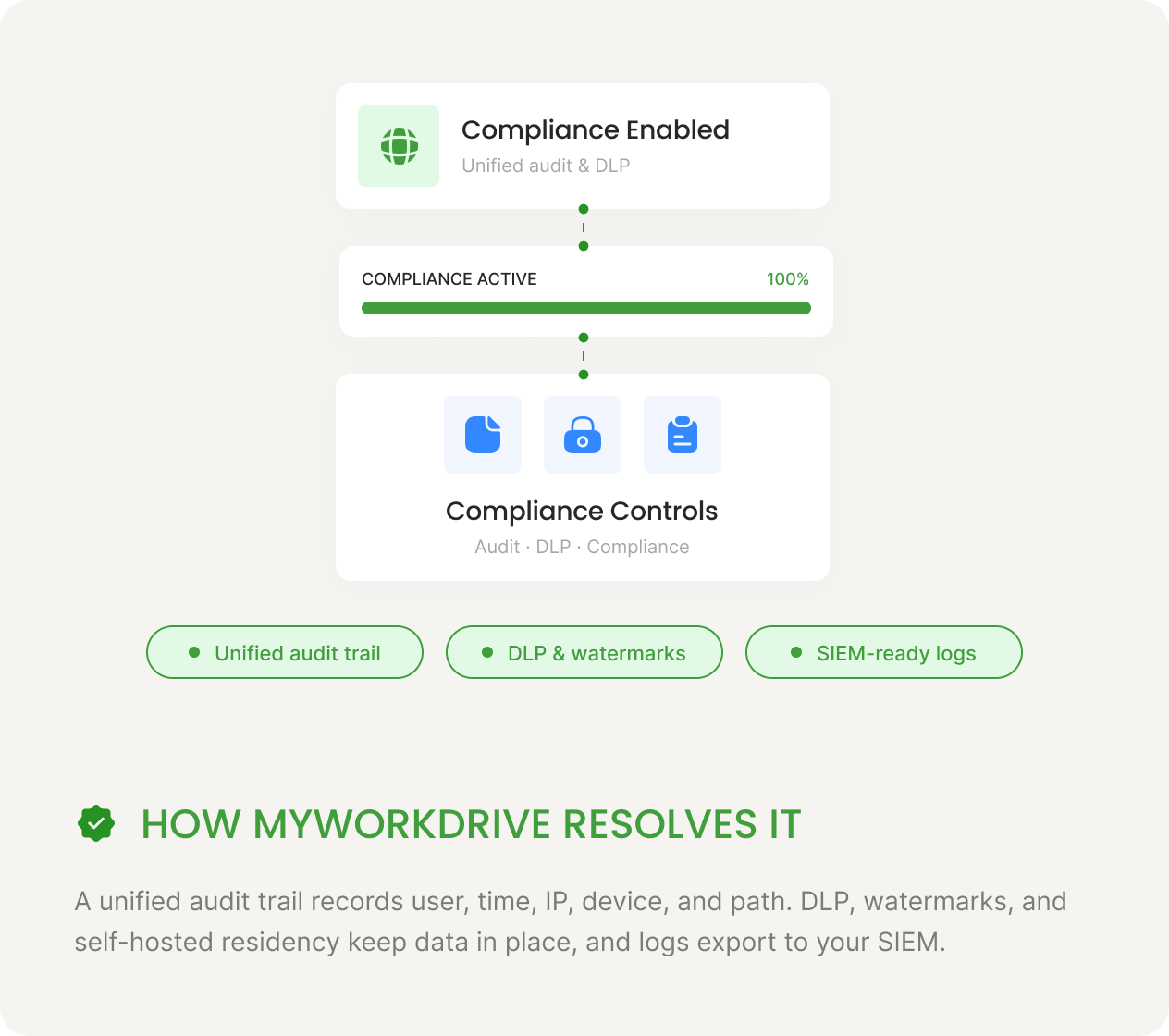
Prove control over designs and regulated data
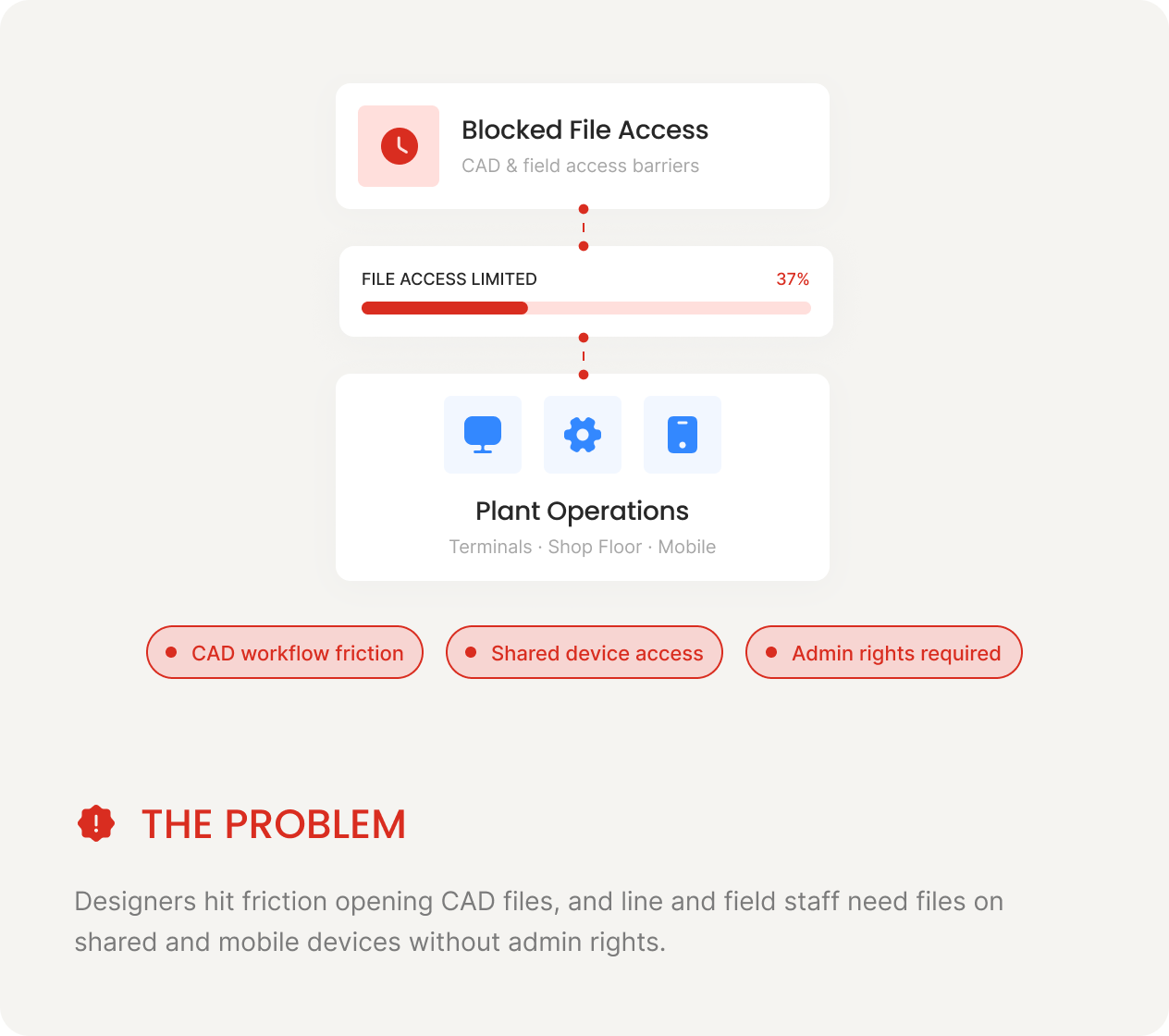
Fast files on the shop floor and in the field
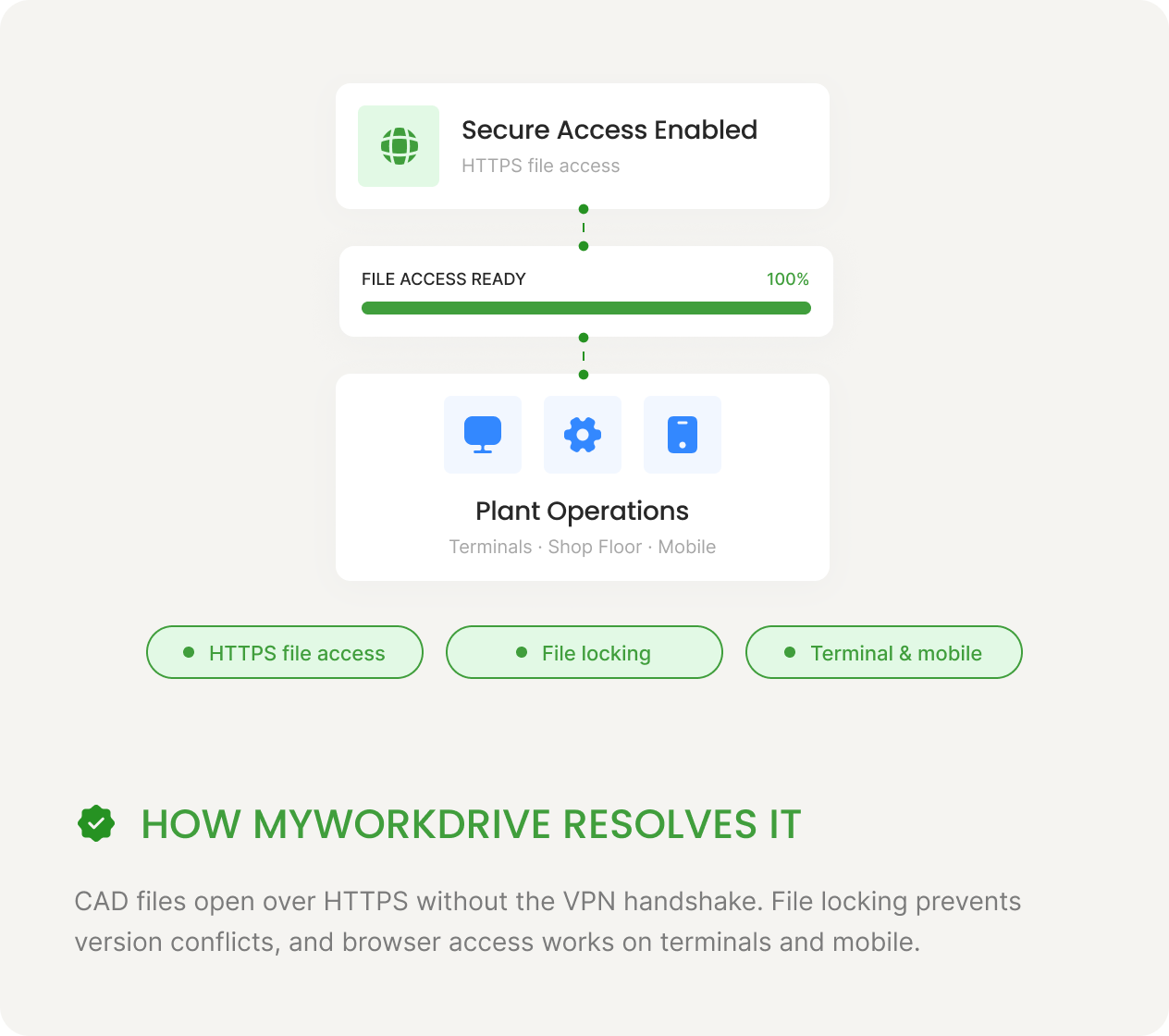
Open CAD files across sites without the VPN wait
Engineers get familiar drive-letter access and clean version control across every plant, and suppliers get controlled access without an account.
-
CAD and simulation files over HTTPS
Open assemblies, drawings, and FEA or CFD results directly over HTTPS instead of pulling them through a VPN tunnel. The mapped-drive client gives engineers familiar drive letters on Windows that work with their CAD and PDM tools.
-
One file system across every manufacturing site
Connect every plant, design center, and acquired facility to the same governed storage. New sites get access in days, with no cross-tenant migration and no separate user database.
-
File locking and version control across plants
Real file locking stops two engineers from overwriting the same drawing, which ends the question of who has the latest revision and prevents scrapped parts from stale files.
-
Secure sharing with suppliers and contract manufacturers
Share drawings and specs through password-protected, time-limited, audited links. View-only mode with watermarks keeps designs from walking out the door, and partners need no account. More on secure external sharing.
How manufacturers protect CAD designs and trade secrets from theft
Every VPN tunnel is a path into your network and every personal cloud account is a path out. MyWorkDrive narrows both by replacing network tunnels with file-level HTTPS access and keeping designs inside your boundary with DLP.
Reduced Attack Surface
File-level HTTPS on port 443 replaces full-tunnel VPN. A compromised endpoint reaches files, not the network.
Designs Stay On-Server
Self-hosted, so CAD and IP are accessed in place and never copied to a third-party cloud. MyWorkDrive stores no file content and no user passwords. TLS 1.2 or higher protects data in transit, with FIPS 186-4 validated cryptography under NIST certificate #3018.
Data Leak Prevention
View-only access, clipboard blocking, watermarks, and download controls, applied per share, group, or user.
Unified Audit Trail
Every access, edit, download, and share is logged with user, time, IP, device, and path, with SIEM export over Syslog.
Identity-Based Access
MFA and Conditional Access through your identity provider. AD and NTFS are enforced natively, and access is never granted beyond your directory.
Mass-Download Alerts and Device Approval
Threshold alerts flag bulk design downloads, and device approval blocks unknown endpoints from connecting at all.
Compliant file access for manufacturing facilities in China
Plants and design centers in China face two problems at once. The Great Firewall throttles or blocks the consumer cloud tools the rest of the company relies on, while China's data laws restrict what can leave the country. A self-hosted MyWorkDrive gateway deployed in-region addresses both.
Reliable access behind the Great Firewall
Dropbox, Google Drive, and OneDrive are throttled or blocked in mainland China, and circumvention VPNs are unreliable and risky. A gateway hosted in-country, on-premises or in a local cloud region, gives staff fast local HTTPS access with no border crossing.
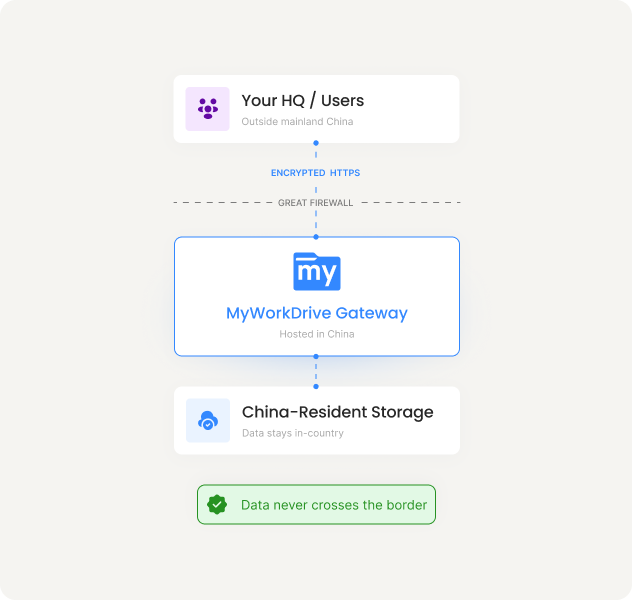
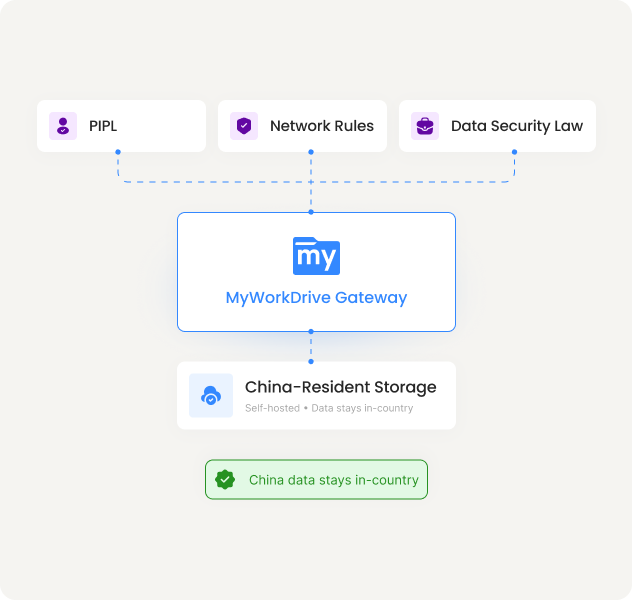
Keep data resident for PIPL and the Data Security Law
China's Cybersecurity Law, Data Security Law, PIPL, and the Network Data Security Management Regulations that took effect on January 1, 2025 restrict cross-border transfer of personal and important data, and manufacturing R&D, design, and production data increasingly falls in scope. Self-hosting keeps China data on China-resident storage.
Control what crosses the border, and prove it
Give HQ and overseas engineers controlled, audited access to in-country files instead of bulk-copying data abroad. Regulators treat overseas access to China-resident data as a cross-border transfer, so granular permissions, DLP, and a full audit trail govern and evidence every cross-border touch.
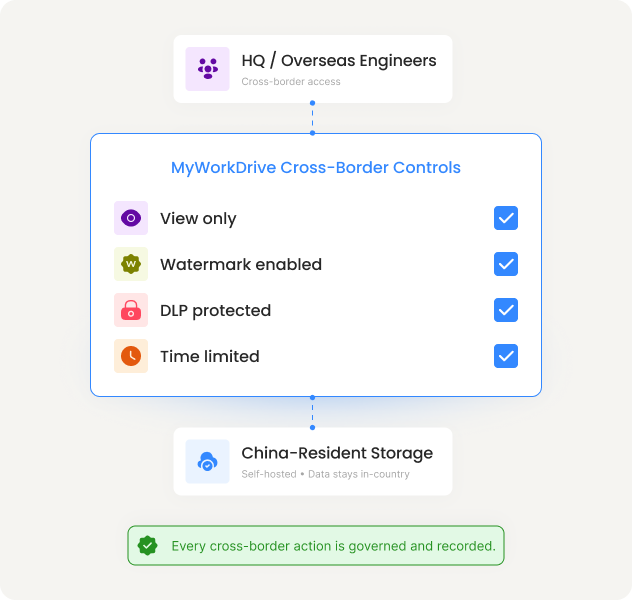
Not legal advice. MyWorkDrive provides the technical controls, including data residency, access governance, and audit, that support your China data sovereignty and residency strategy. Confirm your obligations with qualified counsel.
CMMC, ITAR, And Export-Controlled File Sharing For Defense Manufacturing
If you build for the defense industrial base or ship export-controlled products, you have to keep CUI and technical data inside a controlled boundary and prove it. MyWorkDrive's self-hosted architecture keeps regulated data on your infrastructure and supplies the access and audit controls auditors expect.
Access Controls
AD group and NTFS enforcement, MFA through your identity provider, and Conditional Access. Access is never granted beyond your directory.
Audit Controls
User, timestamp, source IP, device ID, file path, and result, in a single stream with SIEM export over Syslog.
Data Sovereignty and Residency
Self-hosted on your infrastructure or a sovereign cloud region. CUI and technical data never leave your boundary.
Device and Transmission Security
Device approval blocks unknown endpoints. TLS 1.2 or higher protects data in transit, and RSA cryptography is FIPS 186-4 validated under NIST certificate #3018.
See MyWorkDrive for CMMC compliance or review the full compliance overview.
How manufacturers cut Microsoft 365 license costs for file access
Thousands of plant, line, and back-office users sit on Microsoft E3 or E5 licenses for one reason: access to on-premises file shares. MyWorkDrive delivers that access on a lower-cost F3 license with Office web apps for viewing and light editing. Same files, same permissions, at a fraction of the per-seat cost.
Microsoft list pricing as of March 2026. E3 increases to $39 per user per month and F3 to $10 in July 2026. Savings increase further with E5. Your EA pricing may differ. MyWorkDrive Enterprise at $5 per user per month. See how MyWorkDrive supports Microsoft license optimization.
What A Global Manufacturing Rollout Looks Like
MyWorkDrive is used by enterprises, governments, and educational institutions in over 25 countries.

"Excellent VPN alternative that actually delivers on its promises."
Verified reviewer, manufacturing company (5,000+ employees), via third-party review platform
A global industrial manufacturer with plants across North America, Europe, and Asia, including two facilities in mainland China, replaces site-by-site VPNs with MyWorkDrive.
Engineers open multi-gigabyte CAD assemblies over HTTPS instead of waiting on a tunnel. China sites keep data resident in-country with audited, policy-governed access for HQ. No design vault is migrated, and Microsoft licensing is right-sized across the back office.
12
Sites unified on one file system
0
Files migrated
Gigabyte
CAD opened over HTTPS
China
Data kept resident in-country
See MyWorkDrive Working With Your Plant Open Files Over HTTPS
Start a free trial, connect a test share, apply DLP, open a large CAD file over HTTPS, and review the audit trail from your first access.
Manufacturing file sharing FAQs
Can engineers open CAD files without a VPN?

Yes. MyWorkDrive serves files over HTTPS on port 443 and provides a mapped-drive client, so engineers can open assemblies and drawings from their CAD and PDM tools without a full-tunnel VPN. The gateway streams file access in place, with no bulk download or sync to the device.
Does MyWorkDrive work for manufacturing facilities in China?
Yes. A MyWorkDrive gateway hosted in-region, either on-premises or in a local cloud region, gives staff fast local HTTPS access without crossing the Great Firewall, and keeps China-resident data inside the country to support PIPL, the Data Security Law, and the Network Data Security Management Regulations that took effect on January 1, 2025.
Do we have to migrate our file servers to use MyWorkDrive?
No. Files stay on your existing storage, including SMB and NAS file servers, Azure Files, Azure Blob, S3, and SharePoint. MyWorkDrive runs on a Windows Server you already manage and publishes those shares over HTTPS without copying or syncing the data.
Is MyWorkDrive suitable for CMMC and ITAR data?
MyWorkDrive is self-hosted, so Controlled Unclassified Information and export-controlled technical data stay inside your own boundary. It enforces Active Directory and NTFS permissions, supports MFA and Conditional Access through your identity provider, and logs every access for audit, which supports CMMC and ITAR or EAR controls. MyWorkDrive provides the technical controls; compliance certification remains the responsibility of your organization.
How does MyWorkDrive protect designs from theft?
Data leak prevention features include view-only access, watermarking, clipboard restrictions, and download controls applied per share, group, or user. Mass-download alerts flag unusual bulk activity, device approval blocks unknown endpoints, and a full audit trail records who accessed each file with timestamp, IP, and device.
How fast can a manufacturer deploy MyWorkDrive?
Most deployments reach a working pilot in days because MyWorkDrive installs on a Windows Server you already run and uses your existing Active Directory or Entra ID identity. New sites connect to the same governed storage without a separate user database or a cross-tenant migration.