
Secure File Access for Construction Teams, From HQ to the Job Site, Without a VPN
MyWorkDrive gives project teams, field crews, and subcontractors instant, browser-based access to your existing BIM, CAD, and project file storage over HTTPS. Files stay on your servers and permissions stay in your Active Directory. You can deploy across headquarters and job-site trailers in days and retire the VPN and personal Dropbox accounts for good.
$276K+
Annual license savings for 1,000 users
Days
To deploy across your existing infrastructure
Zero
Files migrated, with no data moved off your servers
Quick answer
MyWorkDrive gives construction and AEC teams secure browser, mapped-drive, and mobile access to your existing BIM, CAD, and project file servers over HTTPS, with no VPN and no data migration. Files stay on your own servers, permissions stay in Active Directory, and field crews, subcontractors, and project owners get audited access from any device.
Secure Remote Access to Your BIM, CAD, and Project File Servers Without Migrating Anything
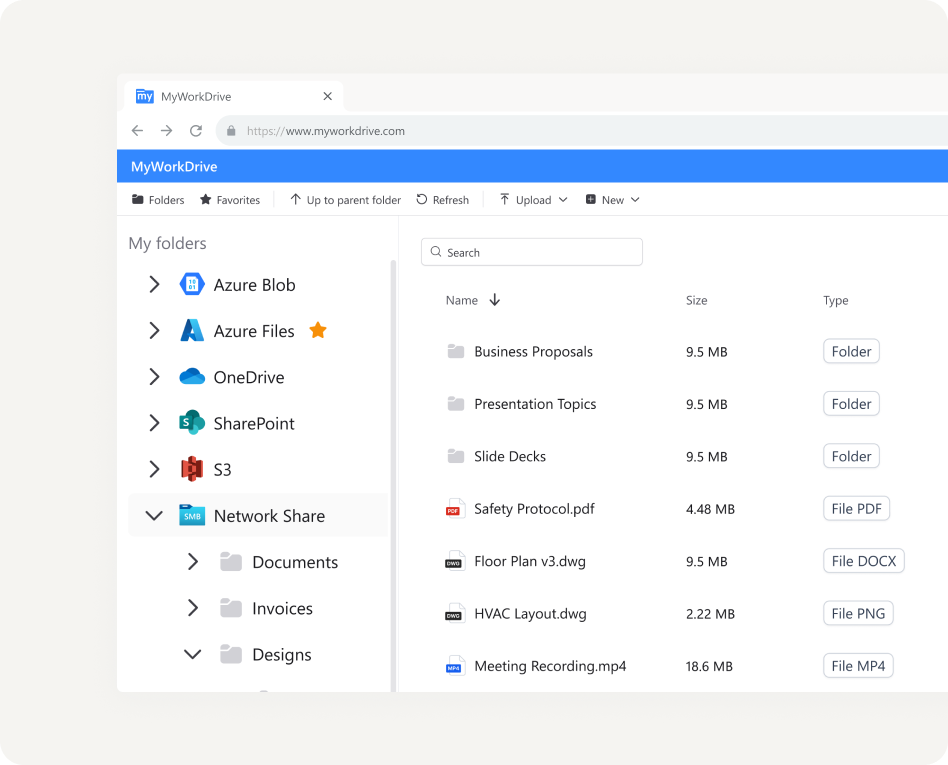
MyWorkDrive is a gateway that connects your identity provider to the storage your project teams already use, including SMB file servers, NAS, Azure Files, S3, SharePoint, and OneDrive. It sits between Active Directory or Entra ID and your storage, delivering secure browser, mapped-drive, and mobile access over encrypted HTTPS.
It runs on the Windows Server your team already manages, and your files stay where they are with NTFS permissions intact in Active Directory. Because nothing migrates, there is no second copy of your bids and contracts to govern. It works alongside Autodesk Construction Cloud, BIM 360, and Revit, so live models stay in your BIM platform while MyWorkDrive governs the rest of the project file estate.
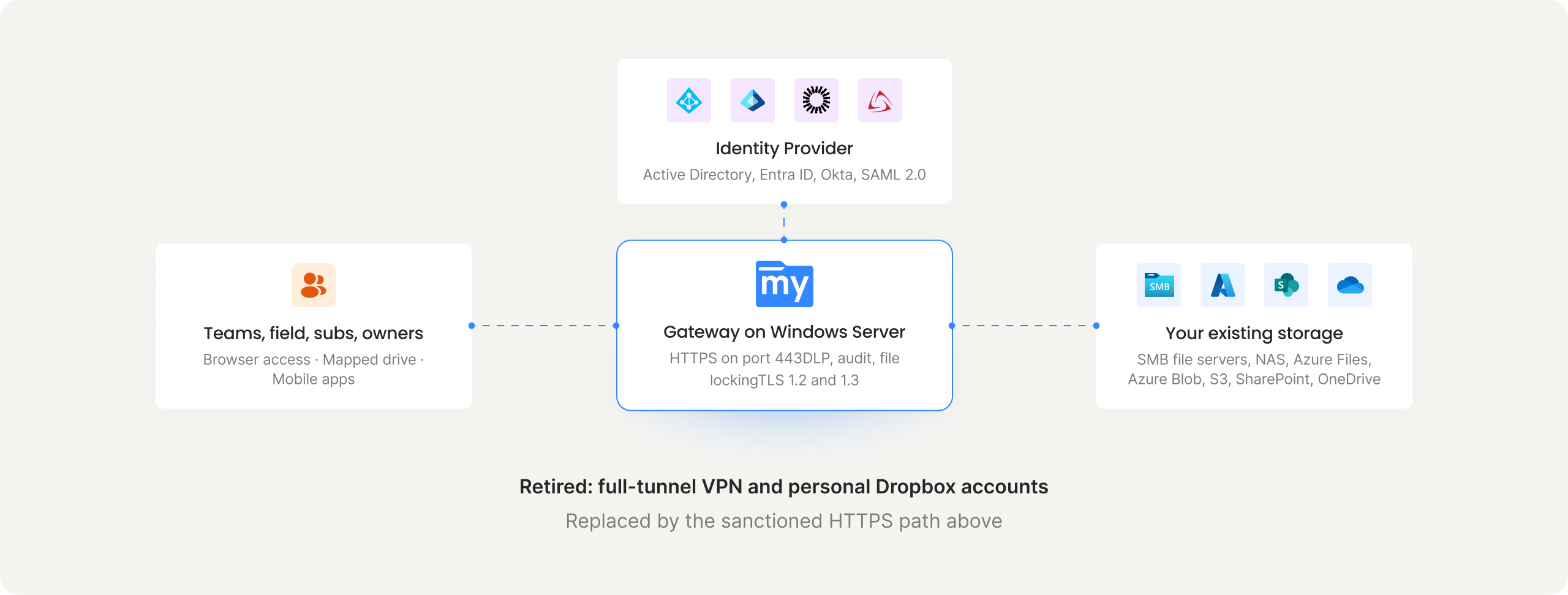
How VPN-Free File Access Works for a Construction Firm
Teams, field staff, and subcontractors
Users connect from any browser, desktop app, or mobile device, whether they are at the office or working from a job-site trailer.
Your identity provider + MFA
Active Directory, Entra ID, Okta, Duo, or any SAML 2.0 provider. Subcontractors get audited guest links.
MyWorkDrive Gateway
Runs on Windows Server. Access, audit, DLP, and file locking in one place.
Your existing storage
SMB/NAS, Azure Files, Azure Blob, S3, and SharePoint, with your BIM platform alongside.
Solving the File-Access Problems Behind Most Construction IT Tickets
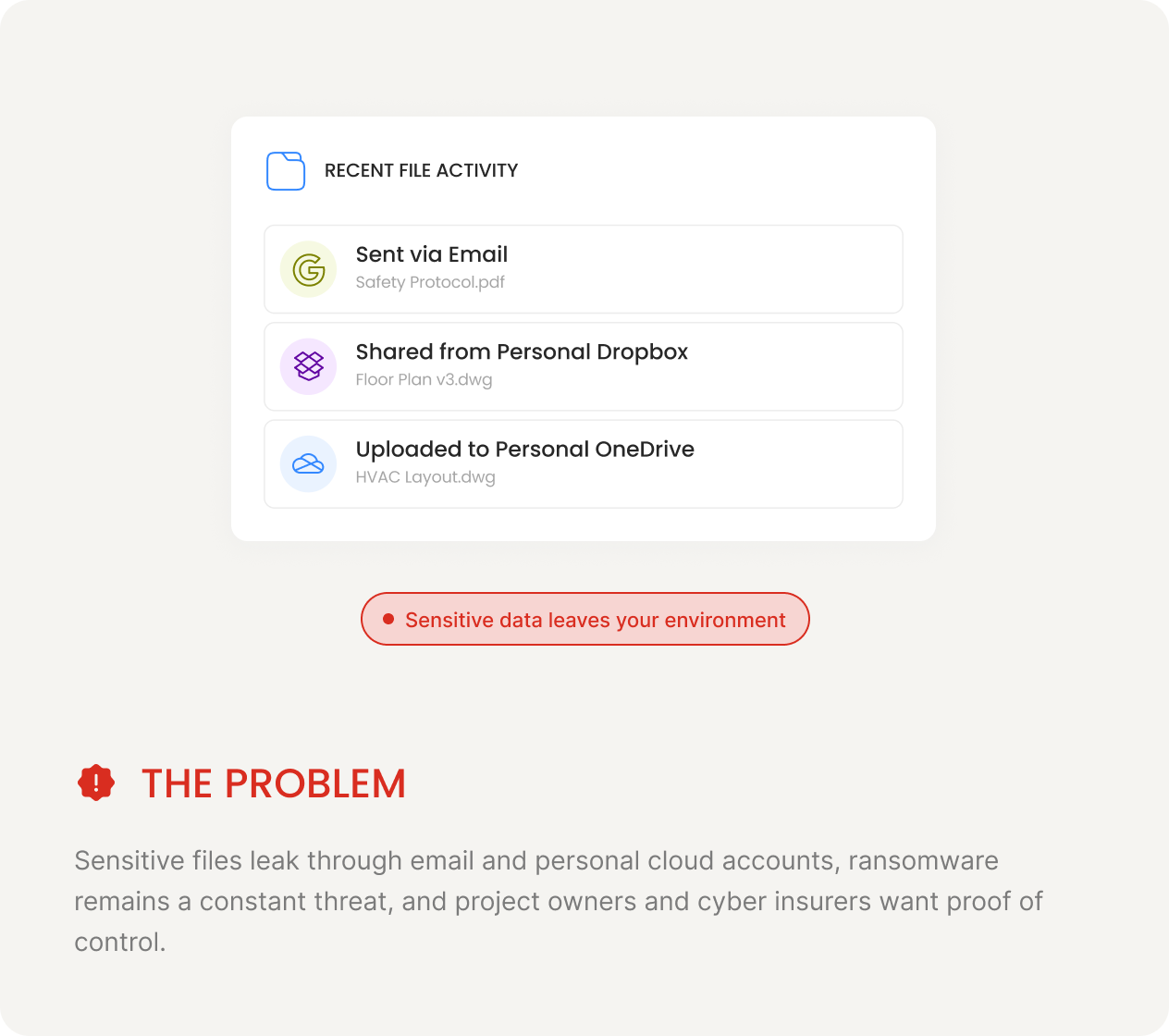
Consolidate email, FTP, and Dropbox sprawl without migrating your project files
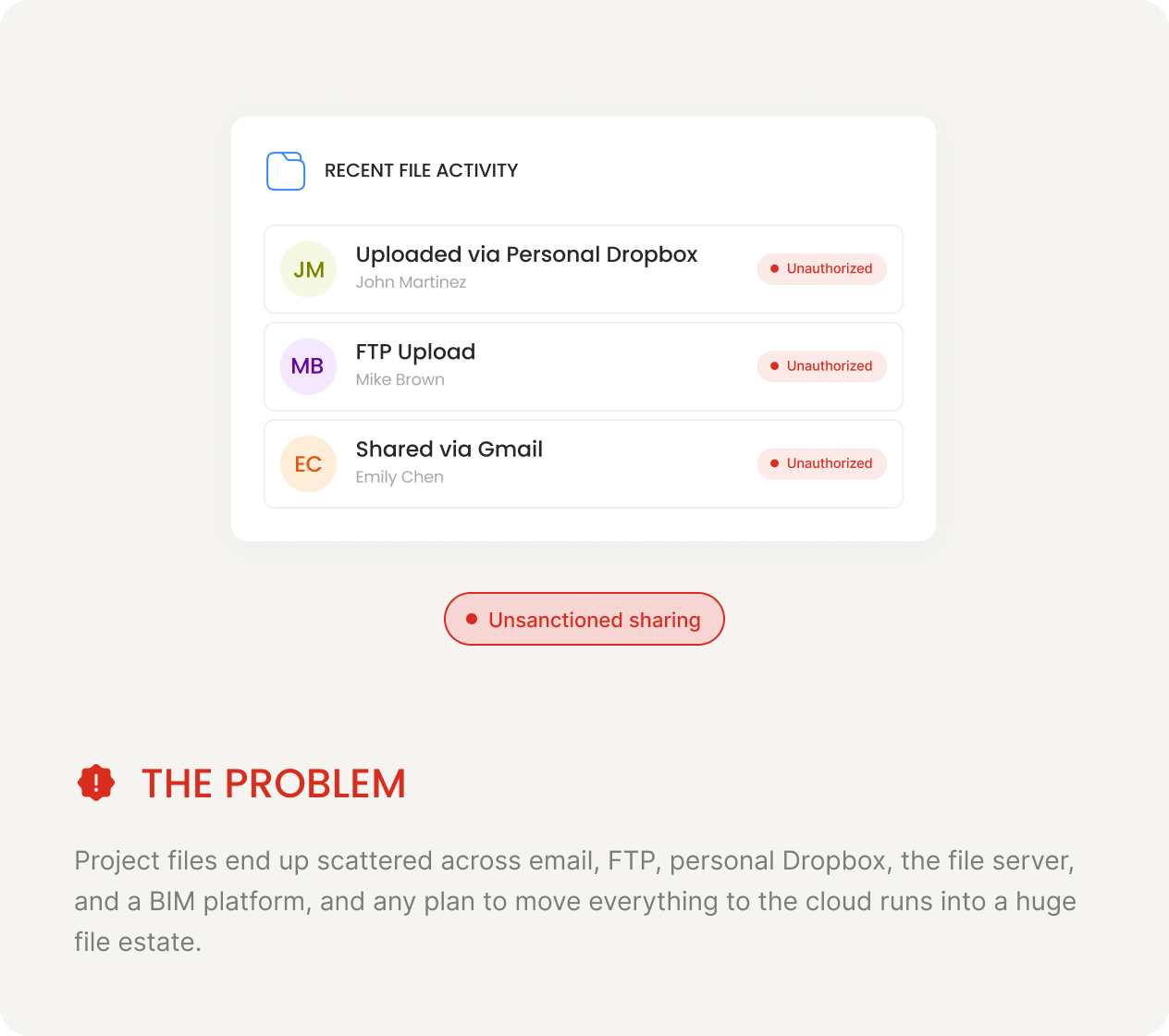
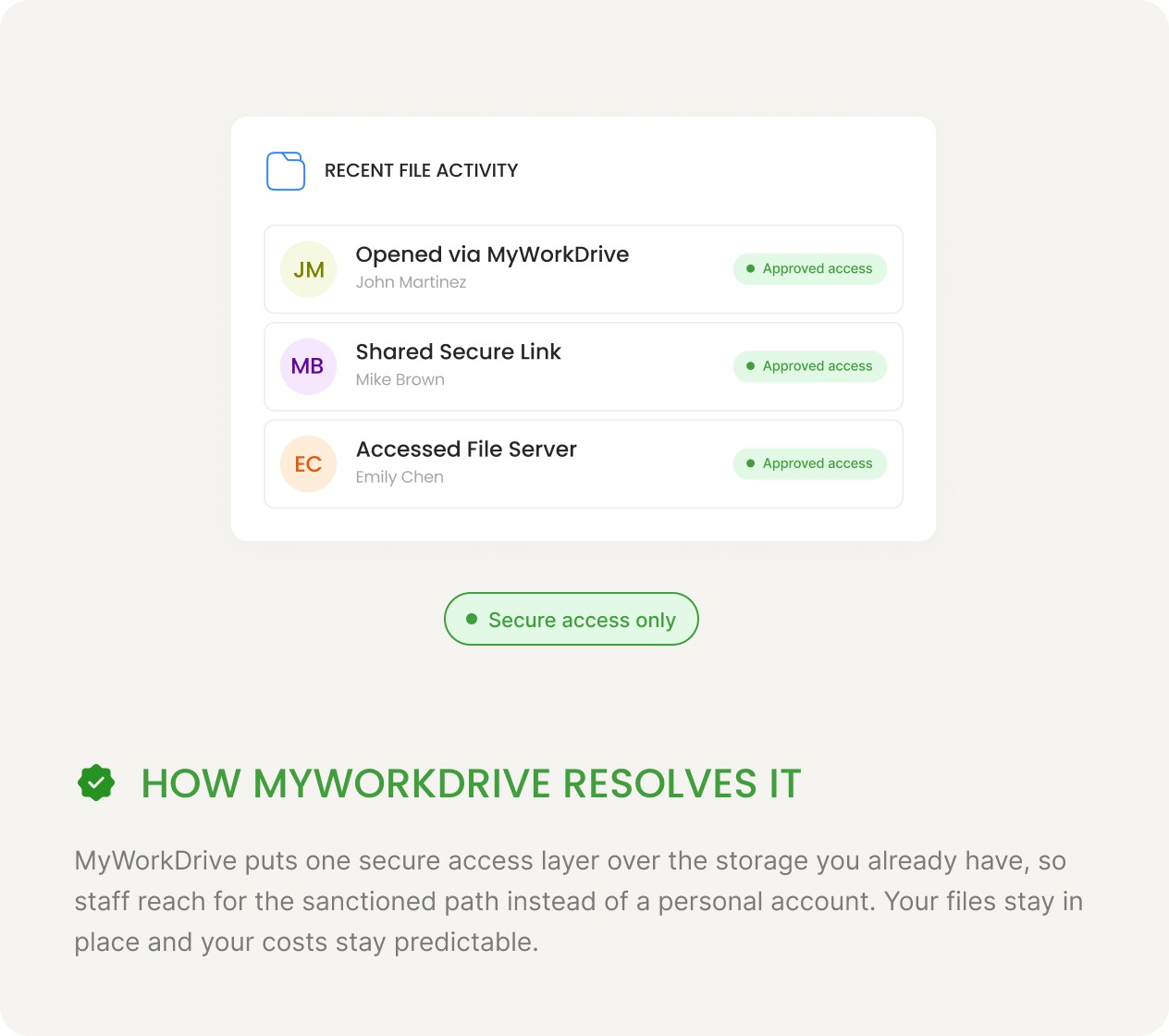
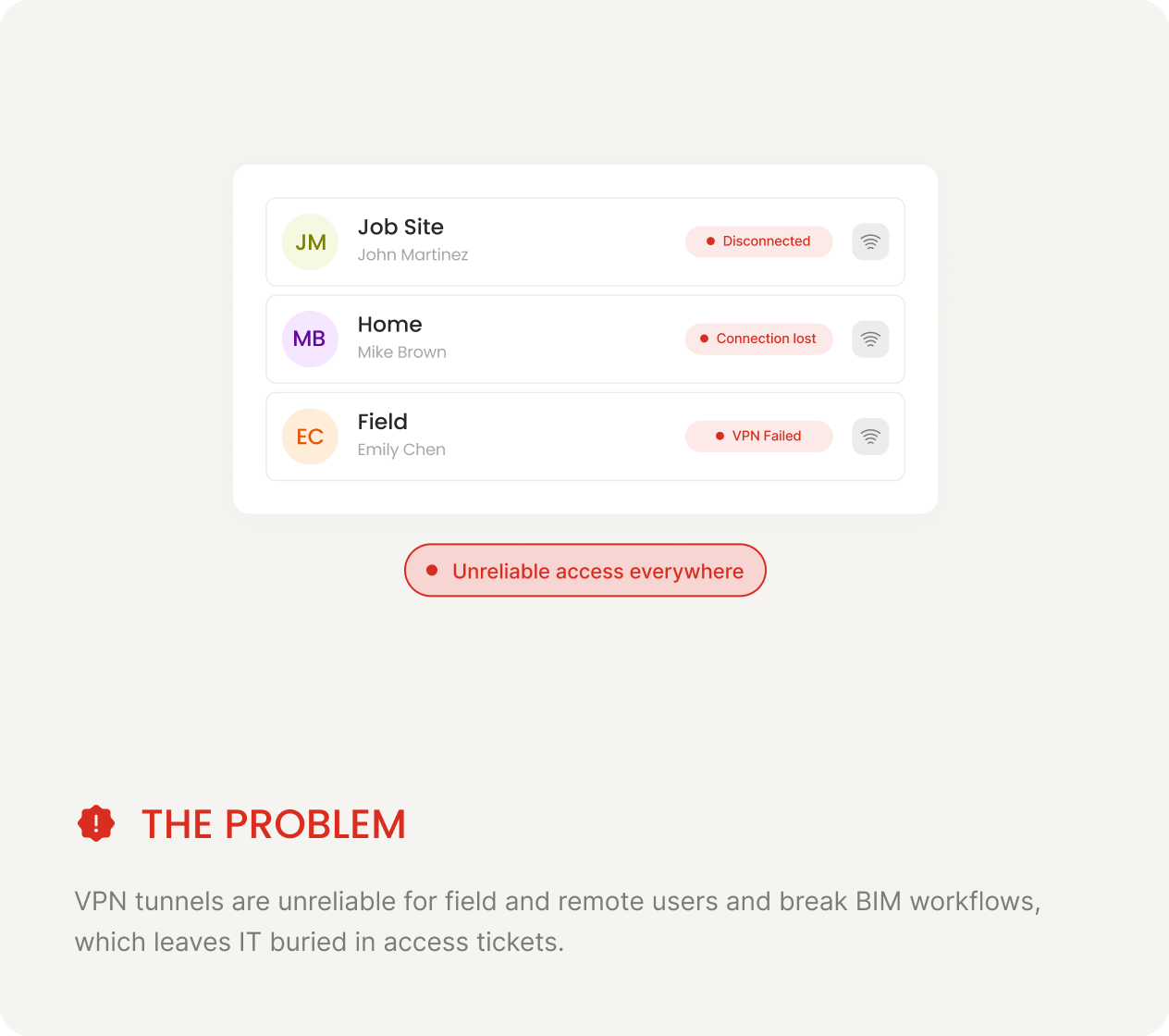
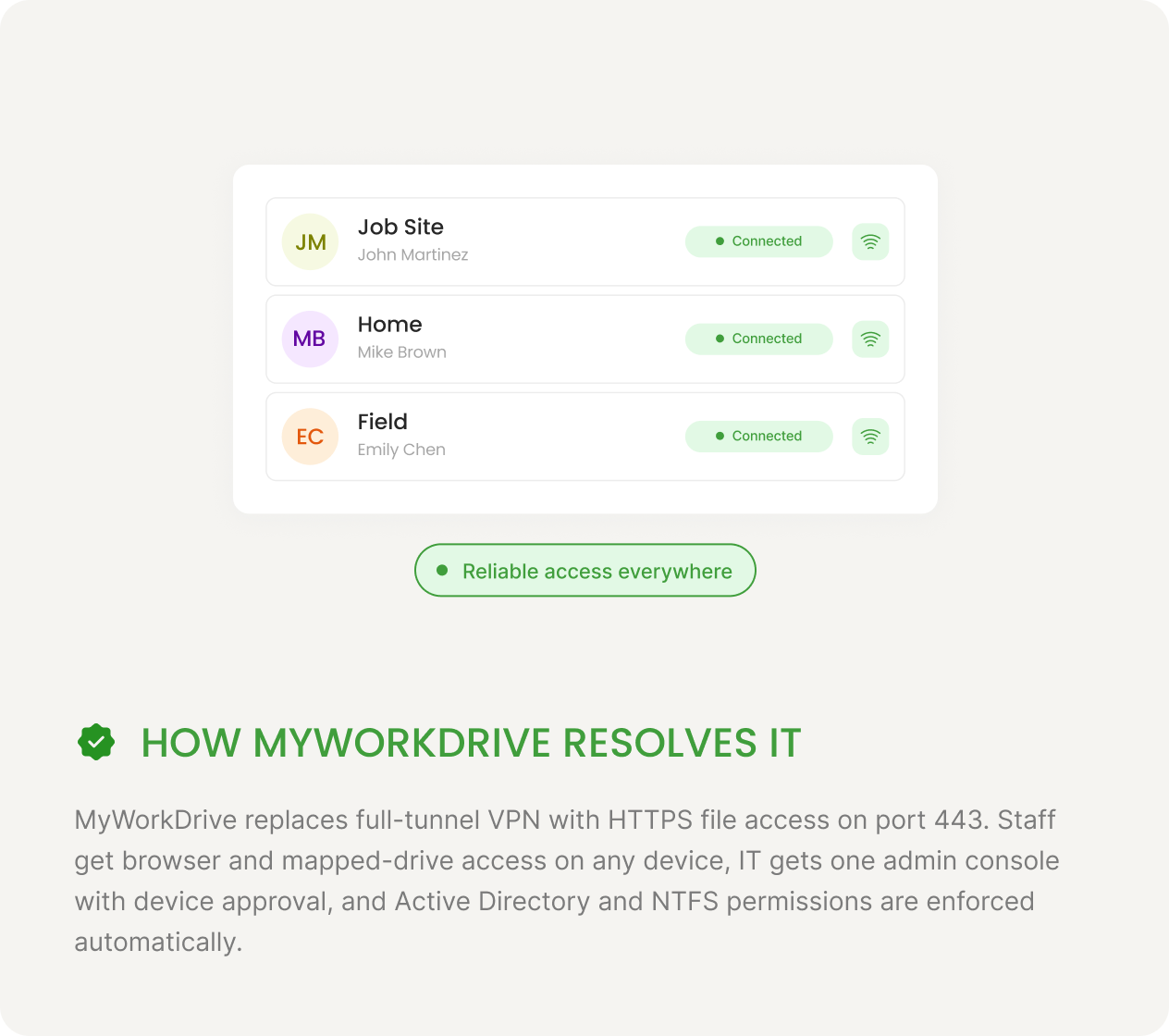
Replace the VPN that fails in the field and buries IT in job-site tickets
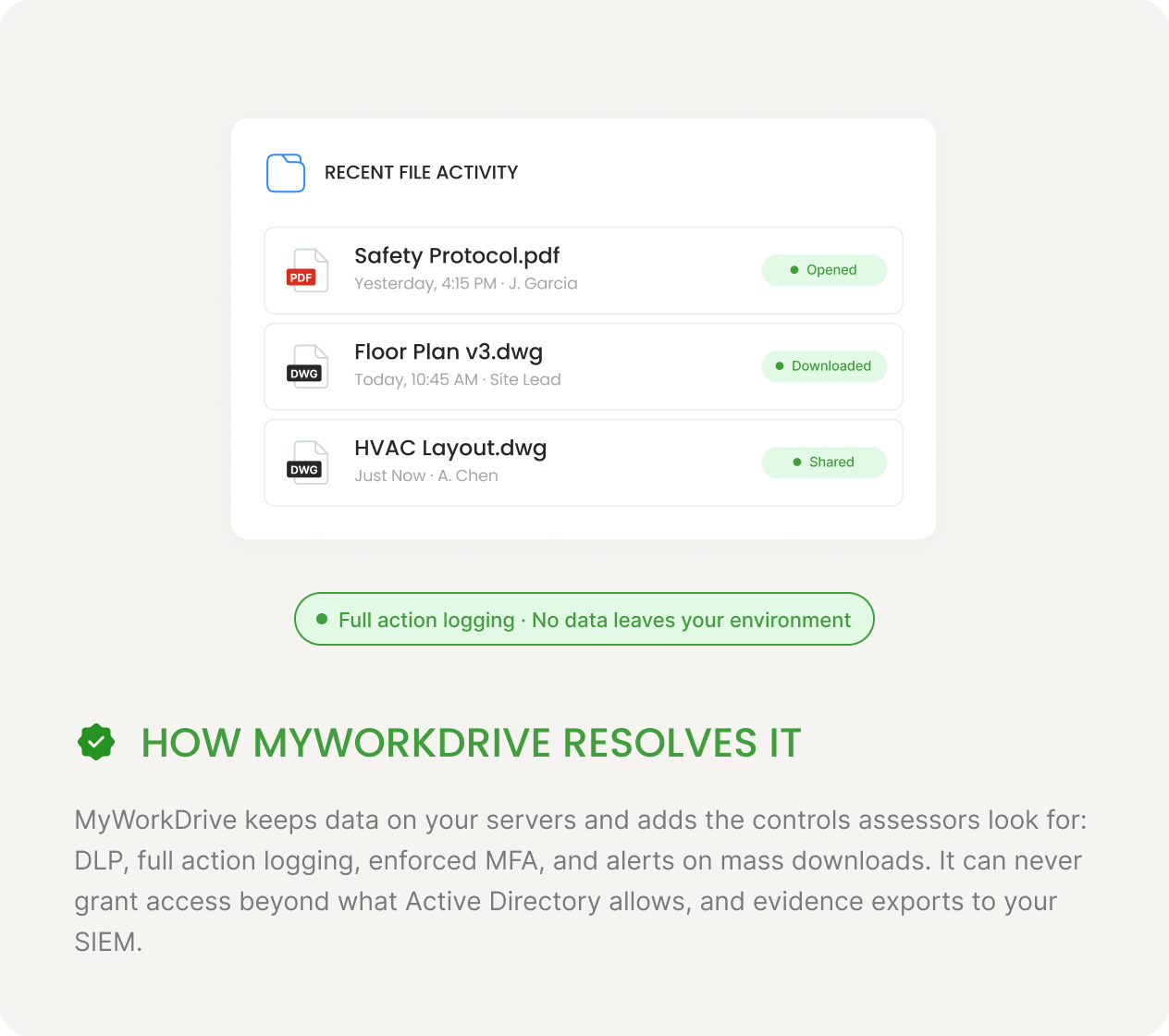
Prove who touched every drawing, bid, and contract for CMMC, owners, and cyber insurance
End version drift across Revit models and drawing sets with file locking
Open Revit, Navisworks, and Point-Cloud Files From Any Office
-
Open BIM and CAD files over HTTPS instead of a VPN tunnel
Stream and open Revit, Navisworks, AutoCAD, and files over HTTPS without dragging them through a VPN tunnel. The mapped-drive client presents a familiar drive letter that works directly with your Windows design tools.
-
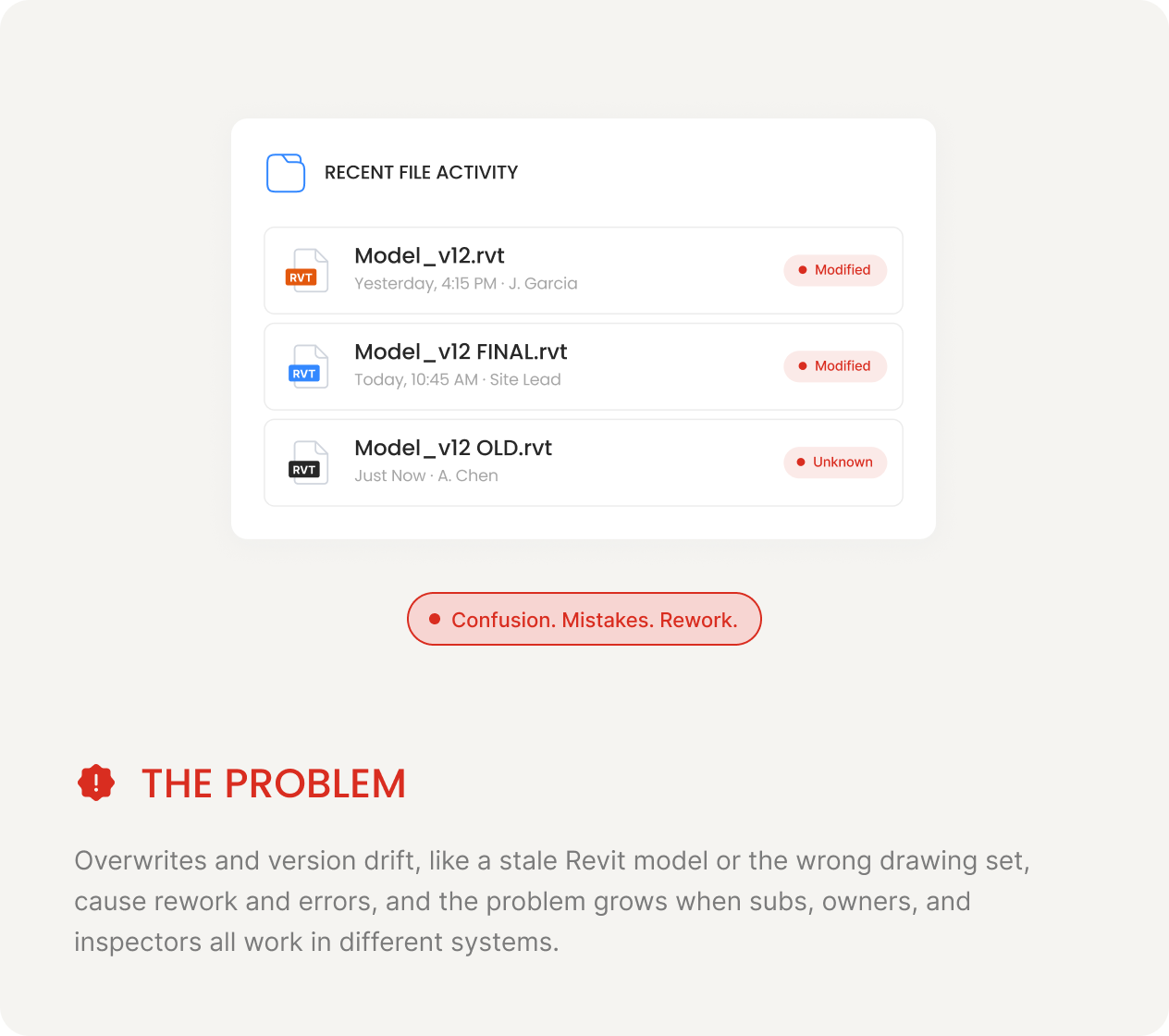
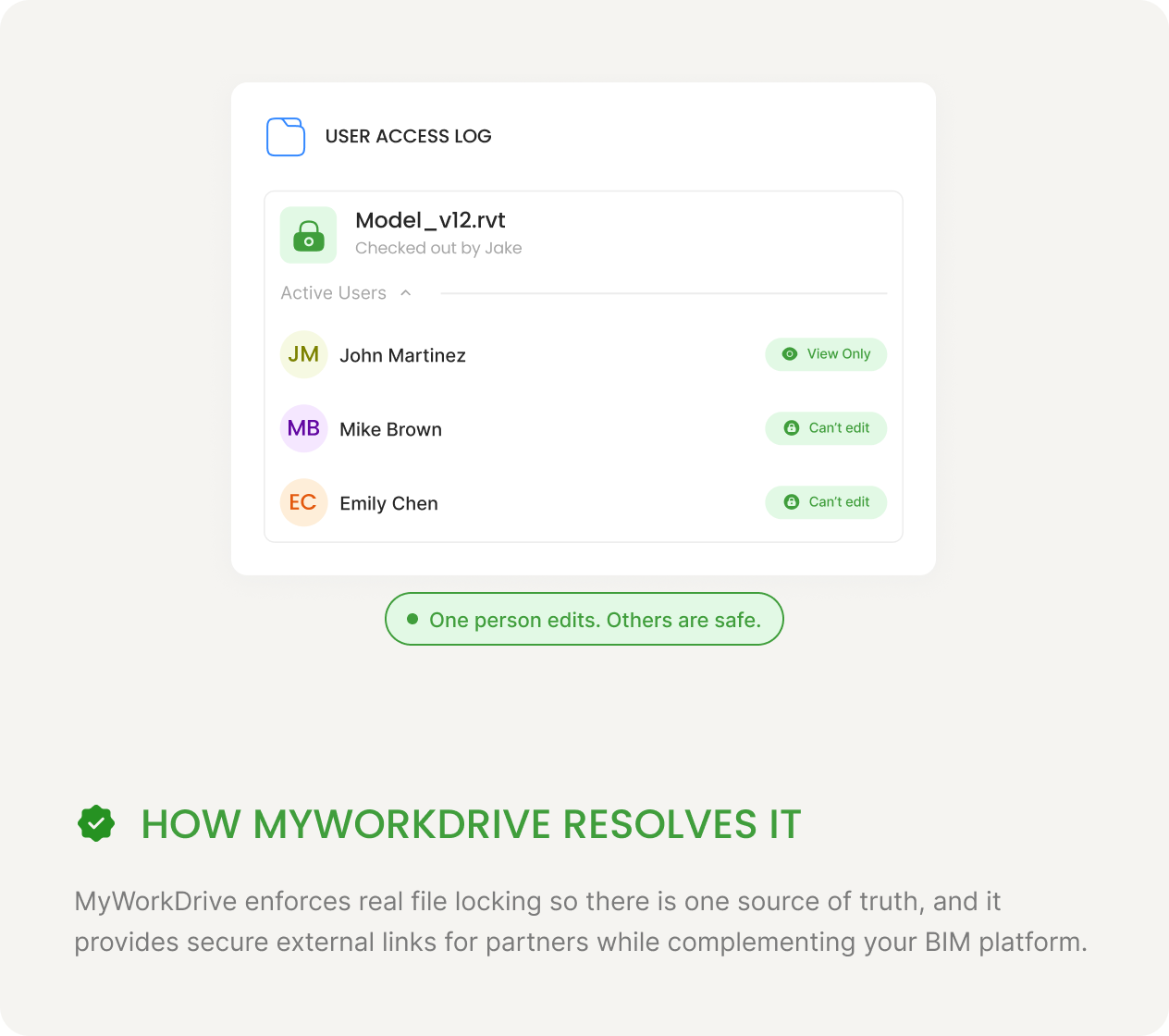
Stop the "which drawing set is current?" problem with file locking and version history
Real file locking prevents overwrites and version drift, so teams stop arguing over which drawing set is current or losing work to a stale Revit model. You can also roll back to any prior version.
-
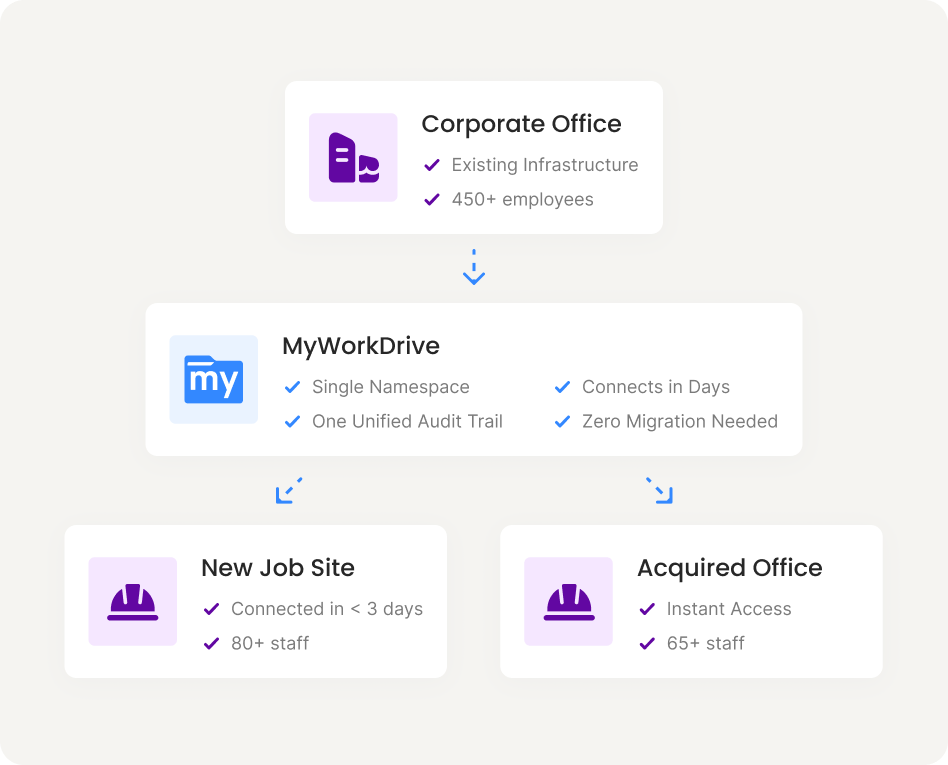
Give every office and acquired firm one source of truth in days
Connect headquarters, branch offices, and acquired firms to the same governed storage in days. There is no separate user database to build and no cross-tenant migration to run, and you get one unified audit trail across all of them.
-
Keep live models in Autodesk Construction Cloud and govern the rest in MyWorkDrive
Live models stay in Revit, BIM 360, or Autodesk Construction Cloud, and MyWorkDrive governs the rest of the project estate, including bids, contracts, submittals, RFIs, photos, and as-builts.
Stop Drawings, Bids, and Contracts From Leaking Through Email, Dropbox, and VPN Tunnels
Emailed drawings and personal-cloud uploads slip past IT, and every VPN tunnel is another way into your network. MyWorkDrive narrows both exposures. File-level HTTPS access takes the place of network tunnels, and DLP keeps project data inside your boundary.
Replace full-tunnel VPN with file-level HTTPS access
File-level HTTPS on port 443 takes the place of full-tunnel VPN, so a compromised endpoint can reach only the files it is authorized for and never your wider network.
Keep bids, contracts, and designs on servers you control
MyWorkDrive is self-hosted on your own infrastructure, and project data is accessed in place and never copied to a third-party cloud. Connections use TLS 1.2 and 1.3, and the product carries FIPS 186-4 validation (certificate #3018).
Block accidental oversharing with view-only links, watermarks, and download limits
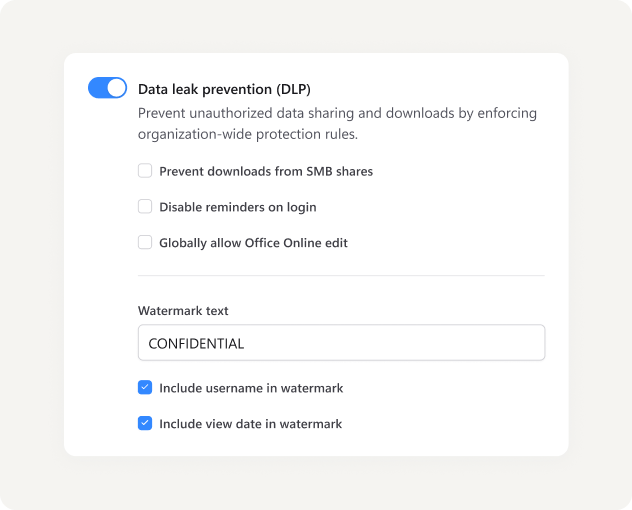
View-only mode, watermarks, clipboard blocking, and download controls stop accidental oversharing of designs and commercial data, and you can set them per share, per group, or per user.
Log every file access, edit, download, and share
Every access, edit, download, and share is logged with user identity, timestamp, source IP, device ID, and file path, in a single log stream that exports to your SIEM over Syslog.
Enforce MFA and Active Directory and NTFS permissions on every file
Users authenticate through your identity provider with MFA and Conditional Access, and Active Directory and NTFS permissions are enforced natively.
Catch ransomware and bulk drawing downloads before they spread
Threshold alerts flag bulk downloads of project files, and device approval blocks unknown endpoints before they can reach your drawings.
MyWorkDrive can never grant access beyond what Active Directory and NTFS already allow.
There is no separate permission model to maintain and no way for the gateway to elevate a user past their existing rights.
Give Field Crews and Subcontractors Secure File Access From the Job-Site Trailer
Construction work happens well beyond the office, in trailers and on tablets, and it involves subs, owners, and inspectors who do not have your logins. MyWorkDrive extends one governed access layer out to those people without copying data out of your environment or standing up new infrastructure.
Open current drawing sets from a tablet on-site, with no VPN client and no admin rights
Field staff use browser and mobile apps from trailers, tablets, and phones, with no VPN client to install and no admin rights required. Access holds up over weak site connections, and shared devices log out cleanly with no files left behind.
Share drawings with subs, owners, and inspectors who don't have accounts
External parties open password-protected, time-limited, audited links with view-only mode and watermarks, and no account is required. Every external access is logged with identity, time, and IP.
Connect a new job site or acquired office to your files in days
Connect a new job site or a newly acquired office to your existing storage in days. There is no cross-tenant migration and no separate provisioning to set up, and you keep one audit trail across every site.
One Secure Path On Every Device, From The Office To The Trailer
See secure external file sharing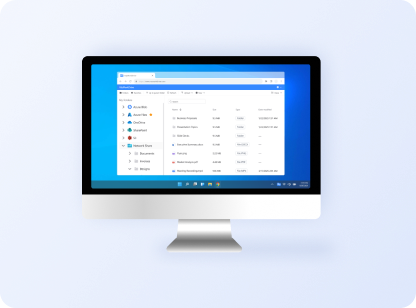
Web browser
Open drawings and project files in any browser, with nothing to install.
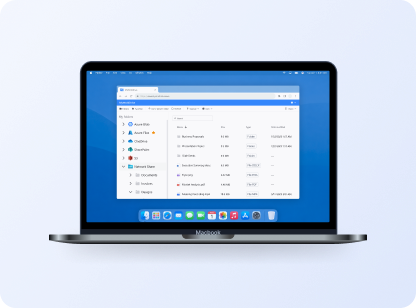
Mac
A mounted drive for design and office staff on macOS.
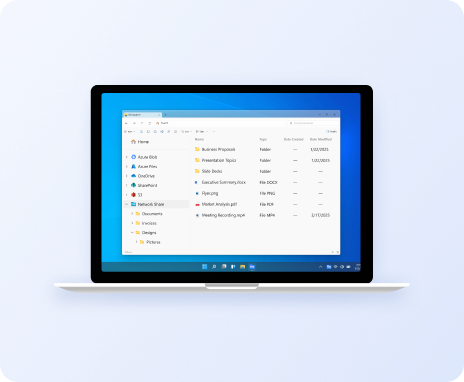
Windows mapped drive
A familiar drive letter for Revit, Navisworks, and AutoCAD.
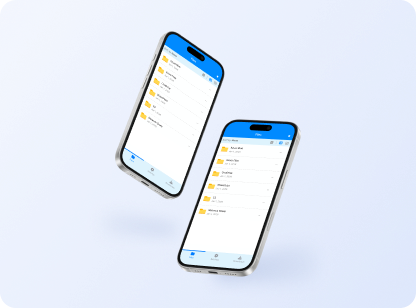
iOS and Android
Mobile apps for crews working out in the field.
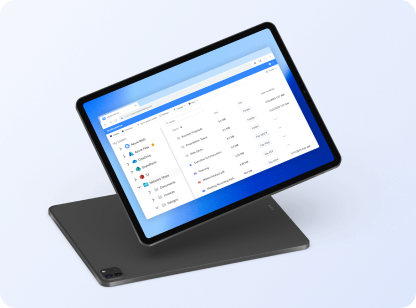
On-site tablet
Browser or app from the trailer, even on weak connections.
CMMC, NIST 800-171, and ISO 19650 File Sharing for Federal and Public-Works Contractors
Public-works, federal, and DoD-adjacent projects now carry cybersecurity obligations, and owners and insurers expect proof of control. The self-hosted architecture keeps regulated project data on your infrastructure and supplies the access and audit controls assessors and clients ask for.
Keep FCI and CUI inside your boundary for CMMC Level 1 and Level 2
Self-hosting keeps Federal Contract Information and Controlled Unclassified Information inside your boundary. Access controls and audit logging support CMMC Level 1 and Level 2 and the requirements of NIST SP 800-171. The DFARS rule that puts CMMC into defense contracts took effect on November 10, 2025.
Add access control, audit, and DLP to your ISO 19650 common data environment
Enforce access controls, audit logging, and DLP across your common data environment and the wider project file estate.
Meet the MFA, audit, and least-privilege controls cyber insurers now require
MyWorkDrive provides the controls cyber insurers and project owners increasingly require, including MFA, audit logging, device approval, and least-privilege access.
Keep project data sovereign on your own infrastructure
MyWorkDrive runs on your own infrastructure or in the region you choose, which keeps data sovereignty and residency under your control. You own the data throughout.
MyWorkDrive provides technical controls that support your compliance program. It is not legal advice.
Read about data sovereigntyCut Construction File-Sharing Costs Against Per-Seat Cloud Storage
Cloud file-sharing tools charge per seat and add per-GB storage fees, and they require you to migrate your data into them. MyWorkDrive is a flat per-user access layer over the storage you already own, with no storage fees and no migration. Office and field staff who only need file access can also move from a Microsoft E3 or E5 license down to a far cheaper F3.
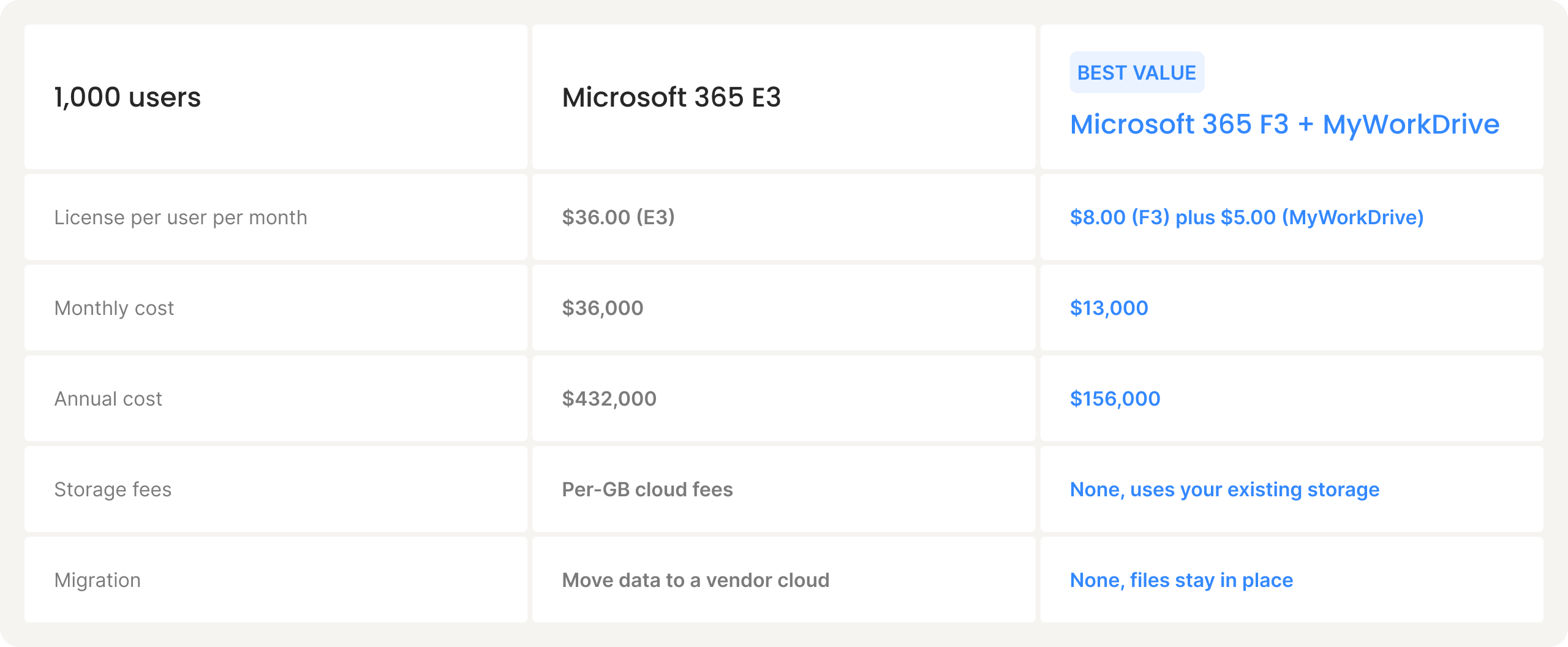
Microsoft list pricing as of March 2026. E3 increases to $39 per user per month and F3 to $10 per user per month in July 2026. Savings increase further when replacing E5 at $57 per user per month. Your EA pricing may differ. MyWorkDrive is $5 per user per month for an Enterprise license, with volume discounts above 100 users.
See Microsoft license optimizationHow Appellation Construction Services Unified File Access Across Job Sites, The Shop, And The Main Office
Appellation Construction Services, a union commercial construction company, had project files scattered across email threads, the on-premises server, Teams, and its payroll platform, and field crews had no reliable way to reach the files office staff used every day. Appellation kept its existing Hyper-V server and Windows SMB shares in place and put MyWorkDrive over them as the access layer. Each active job got its own field folder with drawings, safety documents, and project files, and superintendents and foremen now open them from iPads and phones at remote sites over Starlink and cellular hotspots. Existing Active Directory groups and NTFS permissions carried over directly, and bulk setup ran in under an hour.
<1 hr
Rollout time for bulk setup
~30
Daily active users
70+
Licensed users
Zero
Files migrated off their server

"There's essentially no learning curve. People are used to the way Windows already does files. They just hop on and use what they need to use."
IT Administrator, Appellation Construction Services
Try Secure Construction File Access on Your Own Project Shares
Start a free trial and connect a test share. Apply DLP, open files in HTTPS, share a view-only link with a subcontractor, and review the audit trail from your very first file access.
Construction File-Sharing FAQs
Can teams open BIM and CAD files from a job site without a VPN?

Yes. Files are served over HTTPS with a mapped-drive, mobile, and web client, so models open in your design tools without a full-tunnel VPN.
Can we share drawings with subcontractors who don't have accounts?
Yes. You can send password-protected, time-limited, audited links with view-only mode and watermarks, and the subcontractor does not need an account.
Do we have to migrate our project files to the cloud?
No. Files stay on your existing file servers or Azure Files. Nothing migrates, and there is no second copy.
Does it replace Autodesk Construction Cloud or Procore?
No. MyWorkDrive complements them. Live models stay in those platforms while MyWorkDrive governs the rest of your file estate.
Is it CMMC-ready for federal or public-works projects?
MyWorkDrive is self-hosted, so FCI and CUI stay inside your boundary, and it provides access controls and audit logging that support CMMC and NIST SP 800-171 programs.
How fast can we deploy?
Most teams are running within days. MyWorkDrive installs on a Windows Server you already manage and uses your existing Active Directory or Entra ID identities.